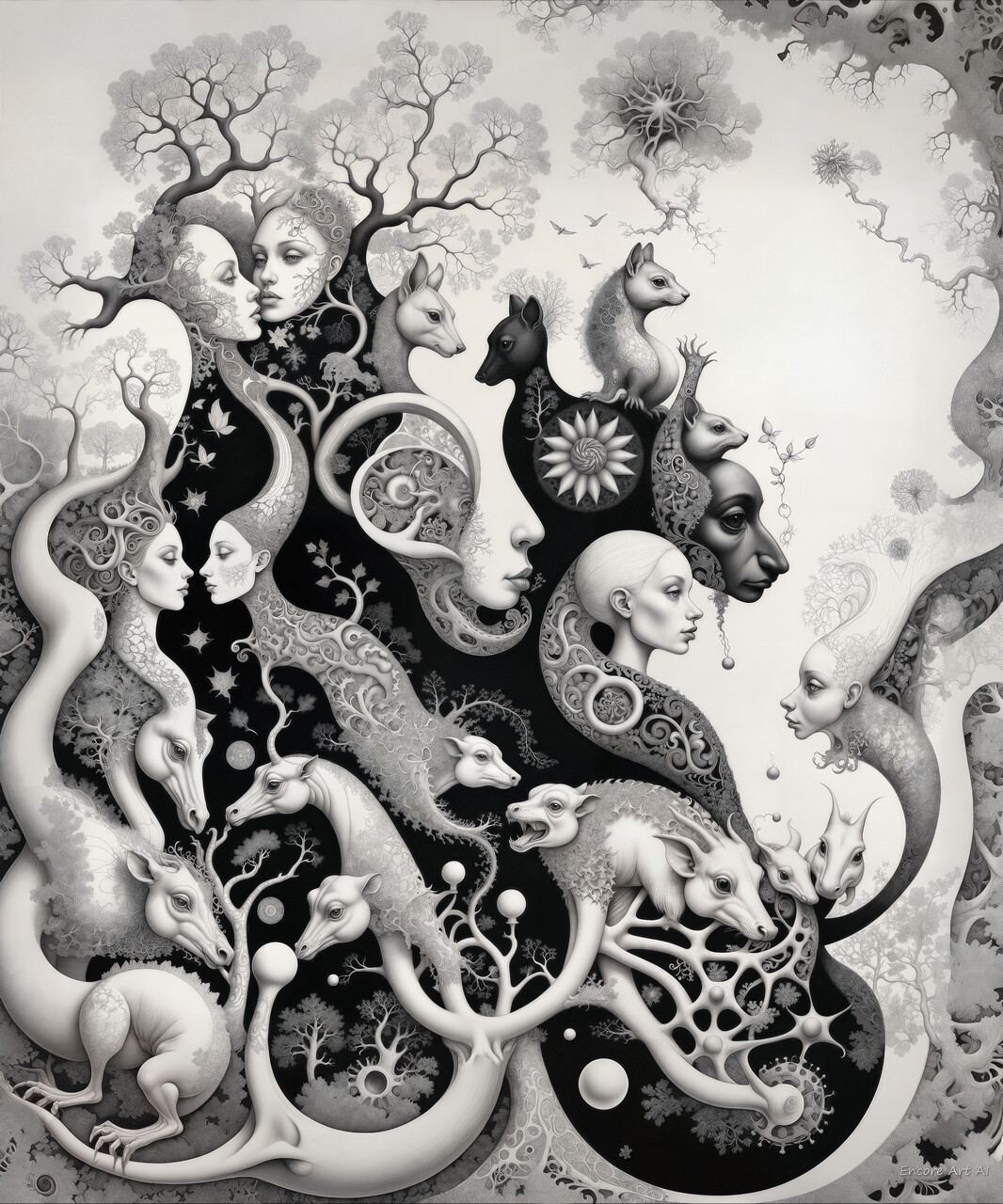
When you generate an image with a web-based AI image generator, the result is usually a 1 MP picture: that is, in the most common case of the square aspect ratio, it will have 1 K pixels in each dimension. By choosing a non-square ratio, you can get an image larger than 1K in one dimension, but at the price of having the other one proportionally smaller. Some platforms will allow you to choose a resolution substantially higher than 1K in either or even both dimensions, perhaps up to 2.5 MP combined, but it will usually lead to distortions or artifacts in the output. This is because most AI imaging models, still to this day, are trained on images of 1 MP-limited sizes. To have your artwork in a substantially larger resolution, you need to upscale it.
What do you need to upscale it for actually, and what sizes should you target? Well, for starters, if you want to make an art print, it demands a really high resolution, like 6-8K and up, depending on the print format. Then, you might want to produce that gorgeous wallpaper for your super ultra wide gaming screen - that might require upscaling it to 4K at the very least. And of course, when you want to sell your creations on the platform like ArtStation, many buyers would like to receive an upscaled version from you along with the regular one. The upscaled size may vary then from 4 to up to 16K, depending on wishes and circumstances.
Before the dawn of the AI imaging era, upscaling was only possible in a program like Photoshop using its built-in resizing method such as Buciubic, Lanczos or some other of the standard variety. With these methods though, quality of the result is always limited, as the image becomes visibly blurred when enlarged, and the larger target size you try, the more degraded the output becomes.
Not so with AI, luckily. Since AI imaging became mainstream, a lot of specialized models have been created that assist in algorithmic image upscaling that is much more clever than any non-AI one and so can produce a 2x or even 4x times larger image from the just-generated basic picture, with the output appearing significantly sharper and more detailed than from any older (standard) method, when compared side by side. AI-assisted image upscaling is now pretty ubiquitous, with just about every AI image generator platform offering a range of excellent upscaling options or models, and also reasonably affordable. Problem solved? Not so fast.
As someone who has for many years been professionally busy with image processing, including image compressing and, more recently, upscaling, I feel qualified enough to explain common misunderstandings about the subject.
Firstly, if you have access to a platform like TensorArt or SeaArt that offers various AI upscaling models for its users, or if you generate locally, despite the wide range of such models there is no single one that will work equally well for all image types there are. Indeed, there are specialized models for most kinds of images, some of them are better than others in upscaling the material they were trained for (like AnimeSharp for anime, UltraSharp for digital art, FFHQDAT for faces, UltraMixRestore for photo restoration, and so on, and so on), and then there are some good universalist models like the popular fulhardi_Remacri. For the particular image type class you are working with, you should try various dedicated models until you find the one whose output suits you the best: never assume that there is a universal upscaling solution for all images. No such solution exists, trust me, no matter what you hear on Discord, reddit or wherever. If there is a single big lesson I learned in my experience with upscaling, it is that each and every image is unique and requires its own refining and upscaling solution. Experiment, experiment and then experiment some!
Secondly, upscaling at the highest scale factor that the model or the platform allows (typically, 4x) is usually a bad idea. Upscaling 4x in one go might look like a good shortcut to reach the target resolution, but the output quality is almost always guaranteed to be inferior. Always choose a smaller factor, like 2x at highest. (The full story about stepwise upscaling is a bit longer though.)
Thirdly, always use your own eyes to judge the output quality of the upscaled image, studying it up close everywhere. No matter how smart an AI upscaling model or tool could appear to you, and no matter how expensive it might be, it cannot work universally well across the whole image. Typically for a cloud-based upscaler, there will always be areas where it performs badly, often hallucinating or leaving visible seams - practically guaranteed if you crank up the parameter called Creativity. I’ve seen enough bad output from the famous, and pretty expensive platforms like Leonardo.ai, krea.ai (especially), magnific.ai and Topaz Labs (the most expensive of the bunch), to claim this with confidence.
And finally, for the ultimate best quality upscaling, using only AI upscaling models or upscaling options on platforms like listed above is never sufficient. The best results possible are achieved only with local refinement within the image, optionally combined with manual inpainting using locally generating Stable Diffusion tools like Forge WebUI, ComfyUI and - especially - Krita AI. But that’s a story for another post perhaps. It might come as a bad surprise to some of you reading this, but good upscaling requires a bit of work, and good tools too! In fact, everything of quality in art and craft in general requires work and specialized tools - which is something that most generative AI artists still have to figure out, judging but what I have seen on many platforms, over and over again.
Now, to show you what I mean by quality upscaling, I will demonstrate it with a few examples from my ultra high resolution collection (what I call HyperPixel standard). The first is a 16K image called Flowers and butterflies. The full version is too large to be shown here efficiently, so you are invited to see it on EasyZoom (no logging in required):
https://www.easyzoom.com/embed/64c502581bc140ffb37a810c5bb687f4
Second is an artwork called The stage angel (also 16K). Similarly to the previous one, it’s a result of multi-stage work of upscaling, refining and manual inpainting, I use it to demonstrate my techniques (also on EasyZoom):
https://www.easyzoom.com/embed/0192621b1d5f4a5fac9e51727760e457
(and I have more there of course, for future publication and demos.) The images on EasyZoom, despite their sheer size, all feature the kind of detail and clarity that is the result of multi-step refinement and manual inpainting done using locally generating Stable Diffusion tools I mention above. I realise that this kind of finesse could be difficult to achieve for majority of generative AI artists, for a number of objective reasons, but at the very least I hope it can serve as some kind of reference or standard for striving.
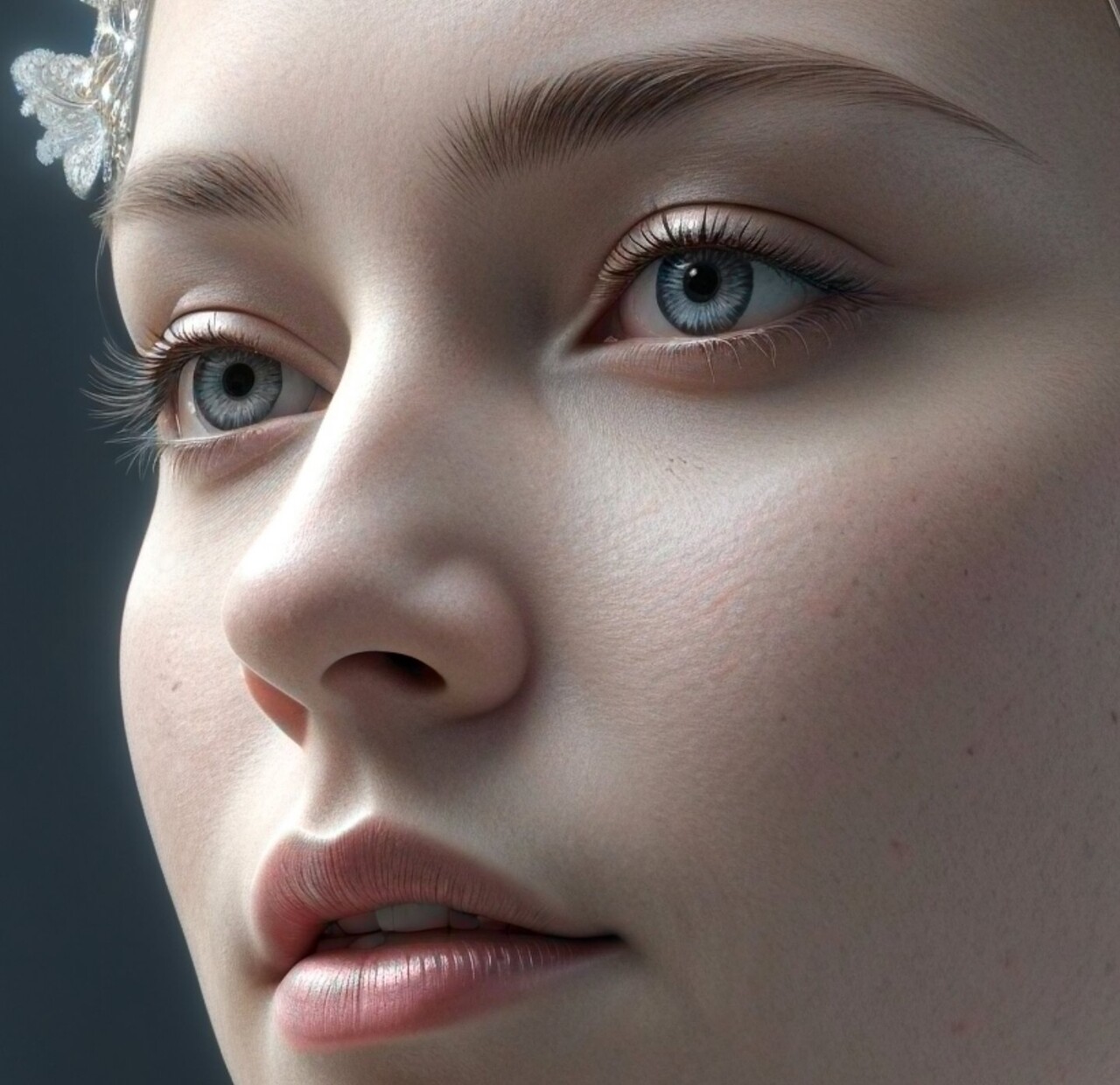
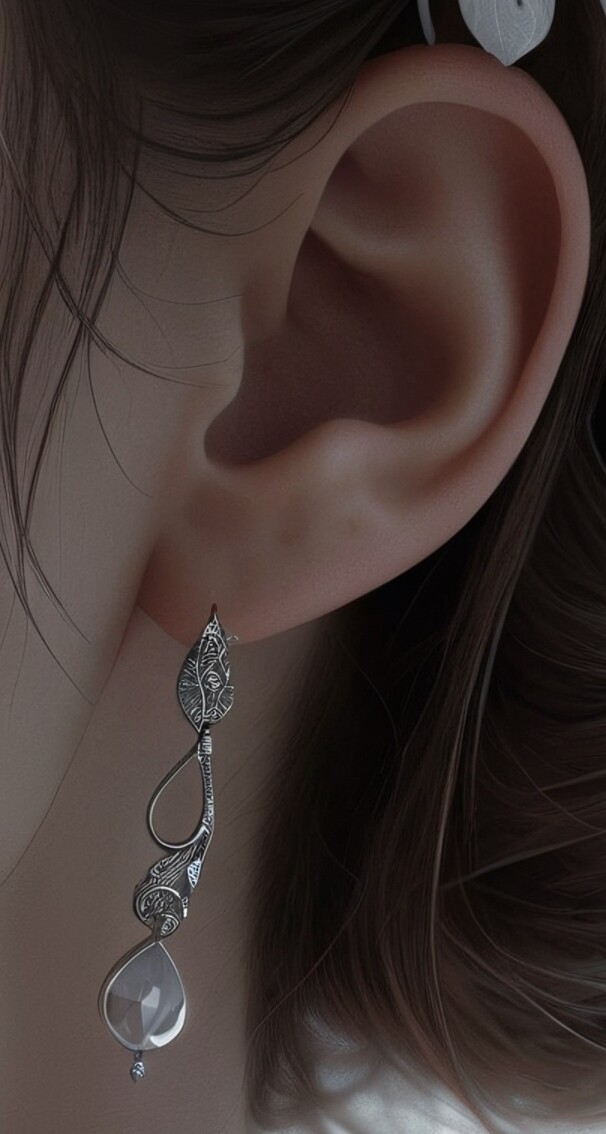
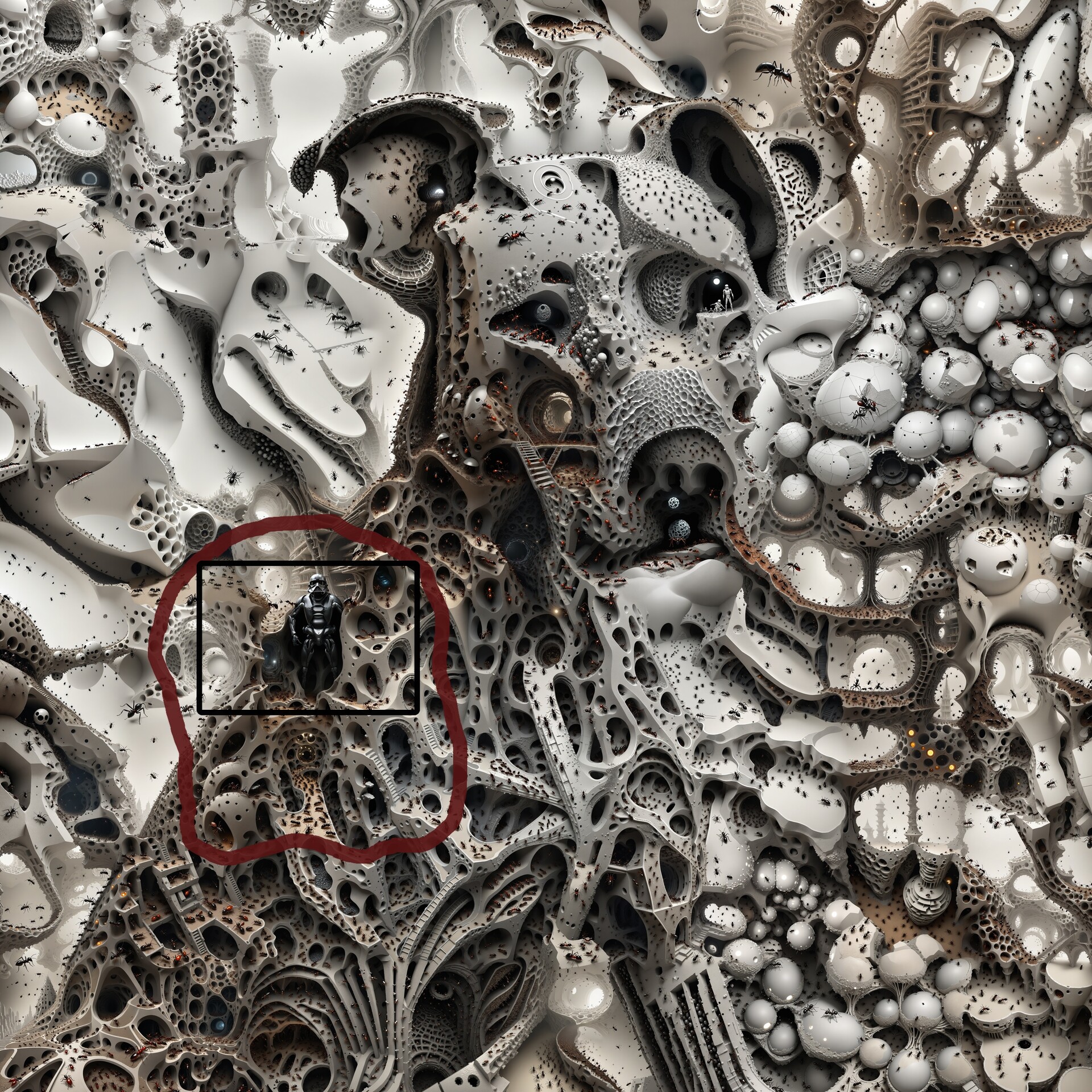
In case you feel uncomfortable clicking away to EasyZoom, below are a few 1:1 scale fragments from the master image; they should be self-explanatory, I think. Looking forward to your comments and reactions!